Production Constraints
The 'Static' Mold: Why 'Tweaking' a Logo Size Resets the Production Clock
Why a simple 5% size adjustment isn't a digital fix—it's a physical re-tooling event that costs time and money.
By StationeryWorks Production Team, Factory Project Manager ·
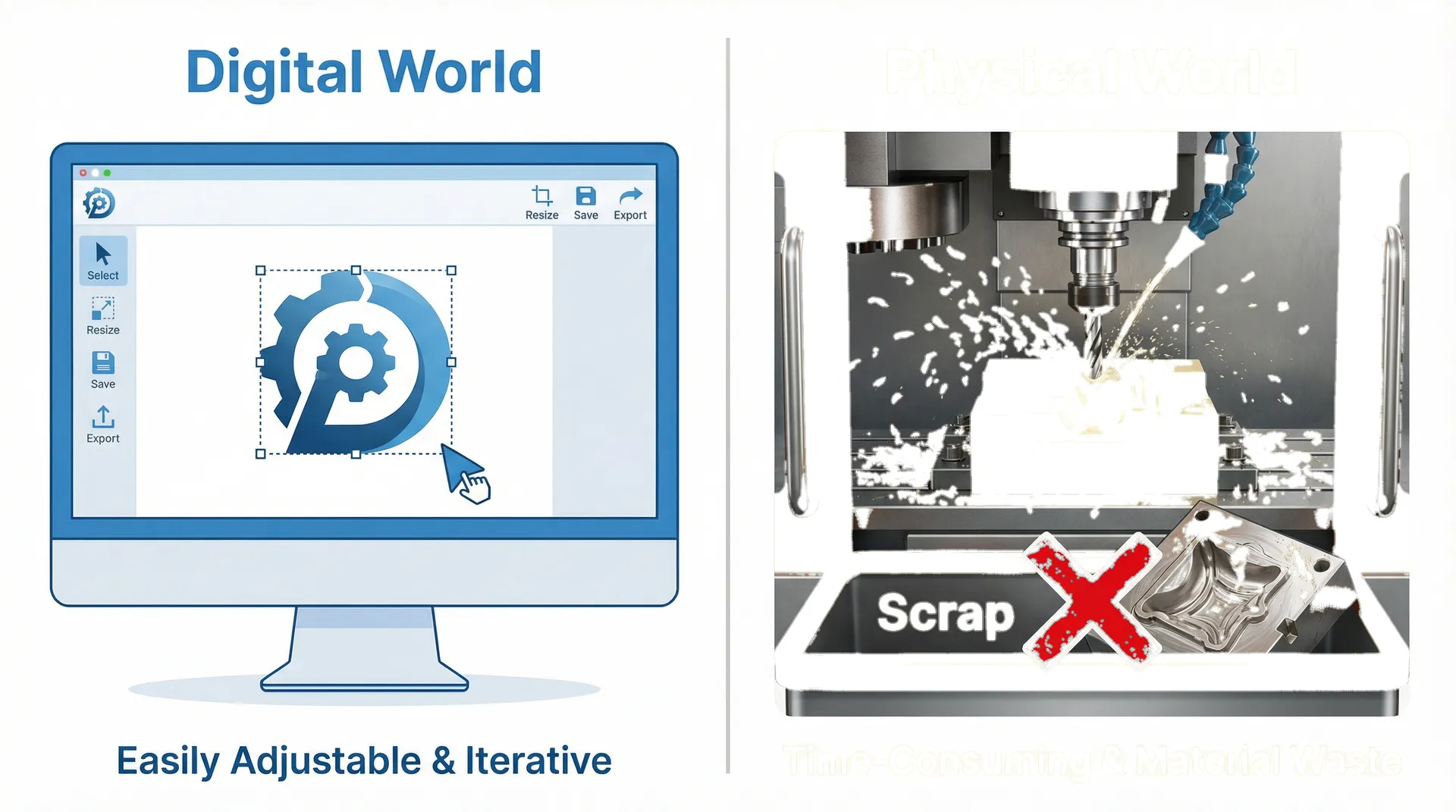
"Can we just make the logo 5% bigger?" It sounds like a simple request. In the digital world of Photoshop and Illustrator, it takes 3 seconds. But in the physical world of manufacturing, this "tweak" is a project-resetting event.
The "Physical Tooling" Reality
Unlike digital printing, premium customization (debossing, foil stamping) relies on physical brass dies. These are solid metal blocks carved by CNC machines. You cannot "scale" a metal block. To change the size, you must scrap the old mold, re-program the CNC, and carve a brand new one. This adds 5-7 days to the timeline and incurs a new mold fee.
The "Digital vs. Physical" Disconnect
In practice, this is often where Customization Process decisions start to be misjudged. Marketing teams live in a world of pixels, where "Command+Z" is free. Production teams live in a world of atoms, where mistakes are permanent and changes are expensive.
The Life of a Logo Mold
To understand the delay, you have to understand the process of making a mold:
- Vector File: We take your AI/PDF file and convert it into a CAD path.
- Brass Block: We cut a raw block of brass to the approximate size.
- CNC Machining: A high-speed drill carves away the negative space. This takes 4-8 hours depending on complexity.
- Hand Polishing: A skilled worker polishes the edges to ensure a sharp impression.
- Mounting: The die is mounted onto the heat press machine.
When you ask to "resize," we have to throw away the result of steps 1-5 and start over at step 1. There is no shortcut.
The "Proofing" Trap
The most dangerous time for this error is during the "Physical Proof" stage. You receive a physical sample, hold it in your hand, and think, "It would look slightly better if the logo was 2mm wider."
The Consequence:
- Time: +5 to 7 days (New mold creation + machine setup).
- Cost: +$100 to $300 (New mold fee).
- Risk: If you are on a tight deadline, this "tweak" often pushes the completion date past the "Air Freight" cutoff, forcing you into expensive expedited shipping.
How to Avoid the "Static Mold" Delay
1. Print Before You Mold:
Print your logo on a piece of paper at 100% scale. Cut it out and tape it to a notebook of similar size. Live with it for a day. This "paper prototype" is free and instant.
2. Trust the Digital Mockup (With a Grain of Salt):
Our digital mockups are accurate to within 1-2mm. If it looks good on screen, it will likely look good in reality. Don't second-guess the proportions unless they are obviously wrong.
3. The "One-Shot" Rule:
Treat the mold creation as a "point of no return." Once you approve the artwork for the mold, consider the design locked. Any change after this point is a new project.
Conclusion:
In custom manufacturing, "measure twice, cut once" isn't just a saying—it's a financial necessity. Respect the physics of the process, and you will avoid the hidden delays that trap the unprepared.